Arrays & Hashing · Prefix Sum
Desktop experience
Continue on a larger screen
DevUpLabs is currently designed for desktop browsers. Open this link on your computer for the intended learning experience.
Desktop experience
DevUpLabs is currently designed for desktop browsers. Open this link on your computer for the intended learning experience.
Open a course to see its path, from the first lesson to the last.
Build it in your own AWS account, break it on purpose, then fix it.
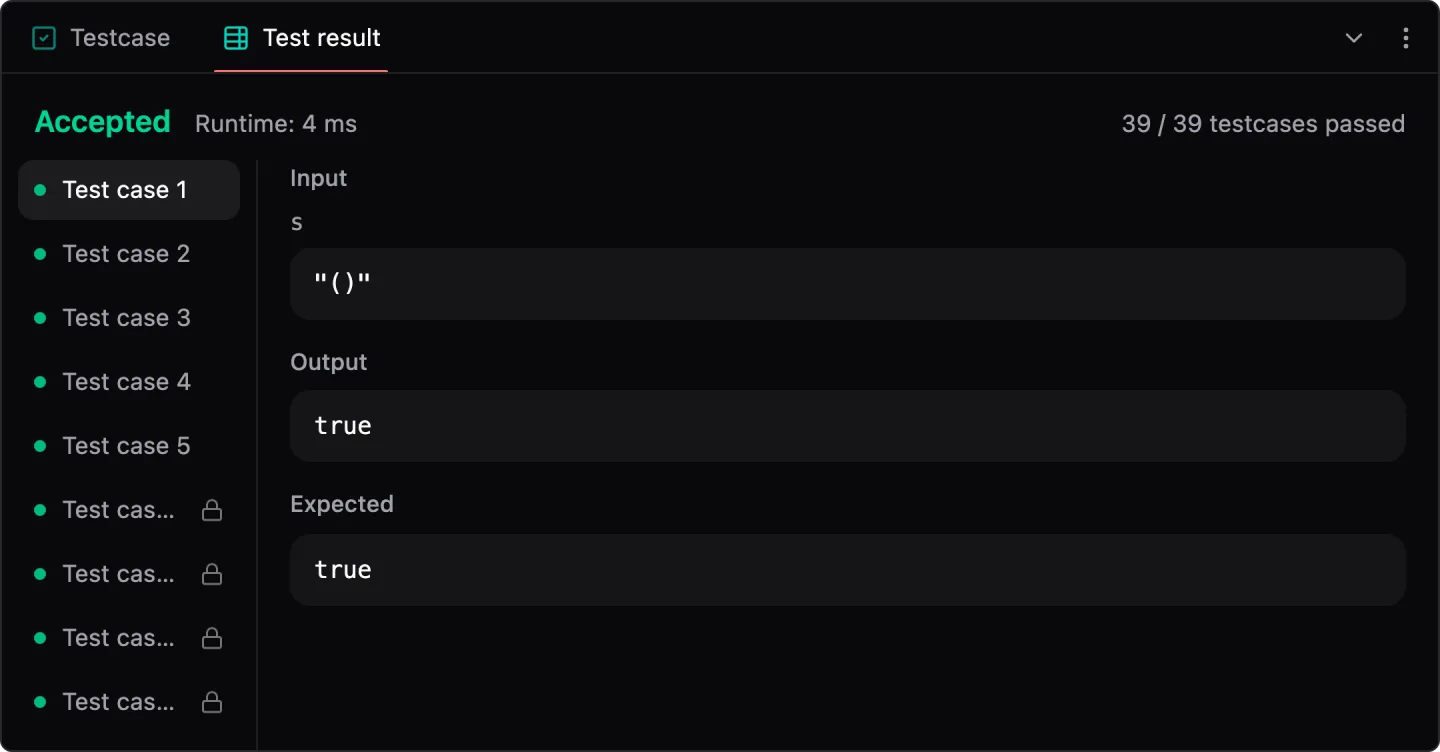
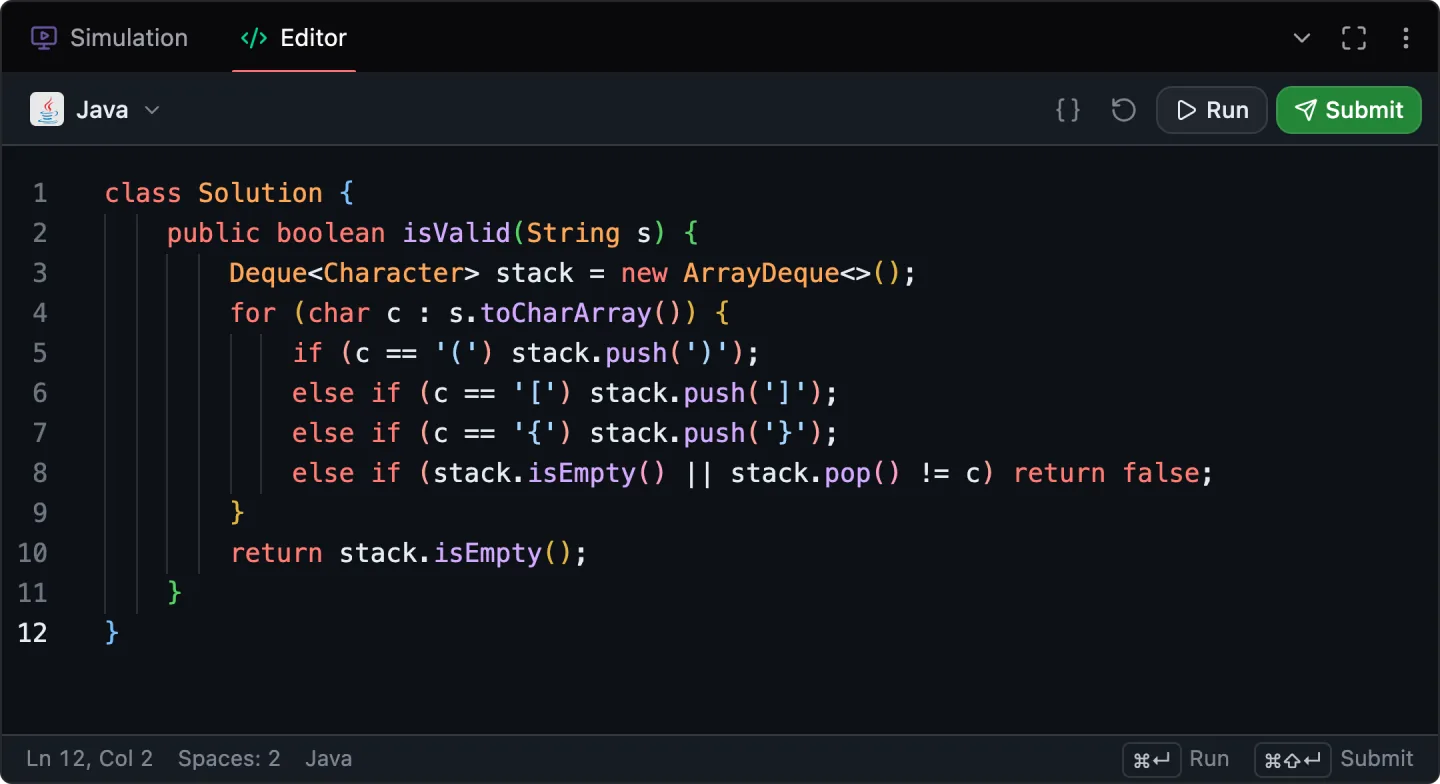
Step through every problem as a simulation, then write the code.
Real Postgres in the page. Write the query, then read the plan.
For engineers preparing for interviews and the job after them
Data structures & algorithms
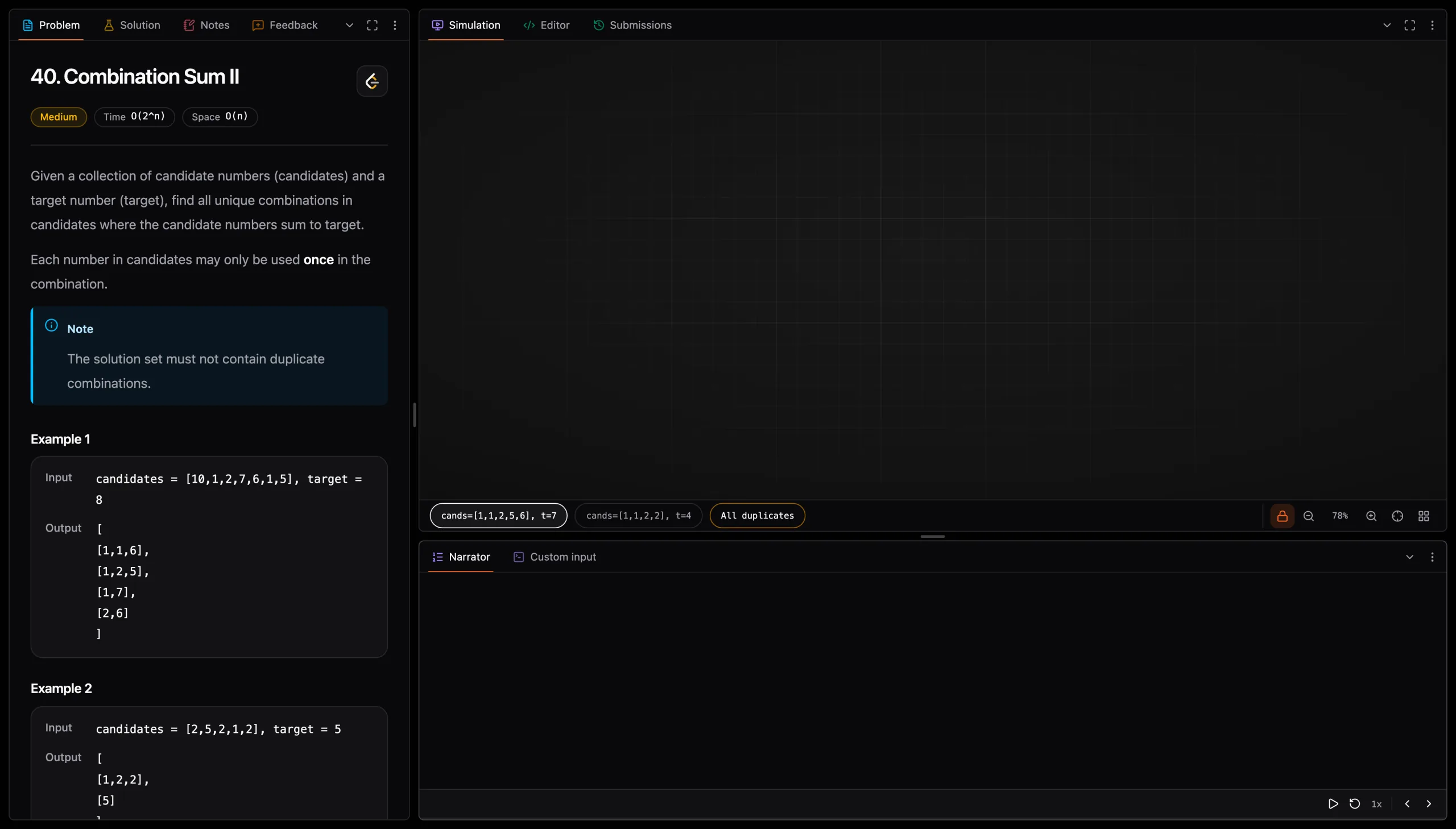
Pictorial walkthroughs make every pointer move, heap eviction and state transition visible before you write the implementation.
98 patterns, one map
Drag to turn it.
The course covers 98 patterns across 14 topics: Arrays & Hashing (10), Stack (4), Binary Search (8), Sliding Window (9), Linked List (5), Intervals (5), Heaps (8), Binary Trees (7), Graphs (15), Backtracking (5), Trie (4), Greedy (6), Dynamic Programming (9), Bit Manipulation (3).
·
Every problem has a simulation you step through, so you see the window close or the stack unwind before you write a line. As each one plays, the map turns to the pattern it is built on.
Arrays & Hashing · Prefix Sum
Stack · Monotonic Stack
Binary Search · Search on Answer
Sliding Window · Shortest / Minimum Window
Linked List · Rewire & Reorder
Intervals · Greedy Scheduling
Heaps · Top K
Binary Trees · DFS Return Values
Graphs · Directed Reachability
Backtracking · Combinations
Trie · Word Search & Backtracking
Dynamic Programming · Unbounded Knapsack
Dynamic Programming · Subsequence DP
Ever feel out of touch with DSA, though you cracked offers before? Like an AI model’s context window, the brain lets go of what it does not recall. Every problem you solve, every note you take and every confidence you rate lands in Recall, comes back right before it fades, and shows you which patterns are ready for the interview.
Cloud engineering
Every lab runs in your own AWS account. You build a working system, prove it works, then break it on purpose and fix it. Finish the course and the Console is familiar ground: you read the metrics before you change anything, you work the CLI the way an SRE does, and you see how the whole system fits together.
Compute, data, messaging, IAM and observability, used together the way teams run them.
A lab ships a broken revision. You watch the health checks fail and ECS roll back on its own.
$ ecs-lab-app:2
healthy · 8080
ecs-lab-app:2
healthy · 8080
ecs-lab-app:3
unhealthy · 9999
ecs-lab-app:3
unhealthy · 9999
Each guide draws the system before you build it.
my-app:3; capacity providers back the cluster with Fargate or EC2.assignPublicIp=DISABLED, so their image pulls go through a NAT gateway or ECR VPC endpoints. GitHub never touches the VPC: it talks to the ECR and ECS APIs, and the tasks pull the new image themselves.SQL Mastery with Postgres
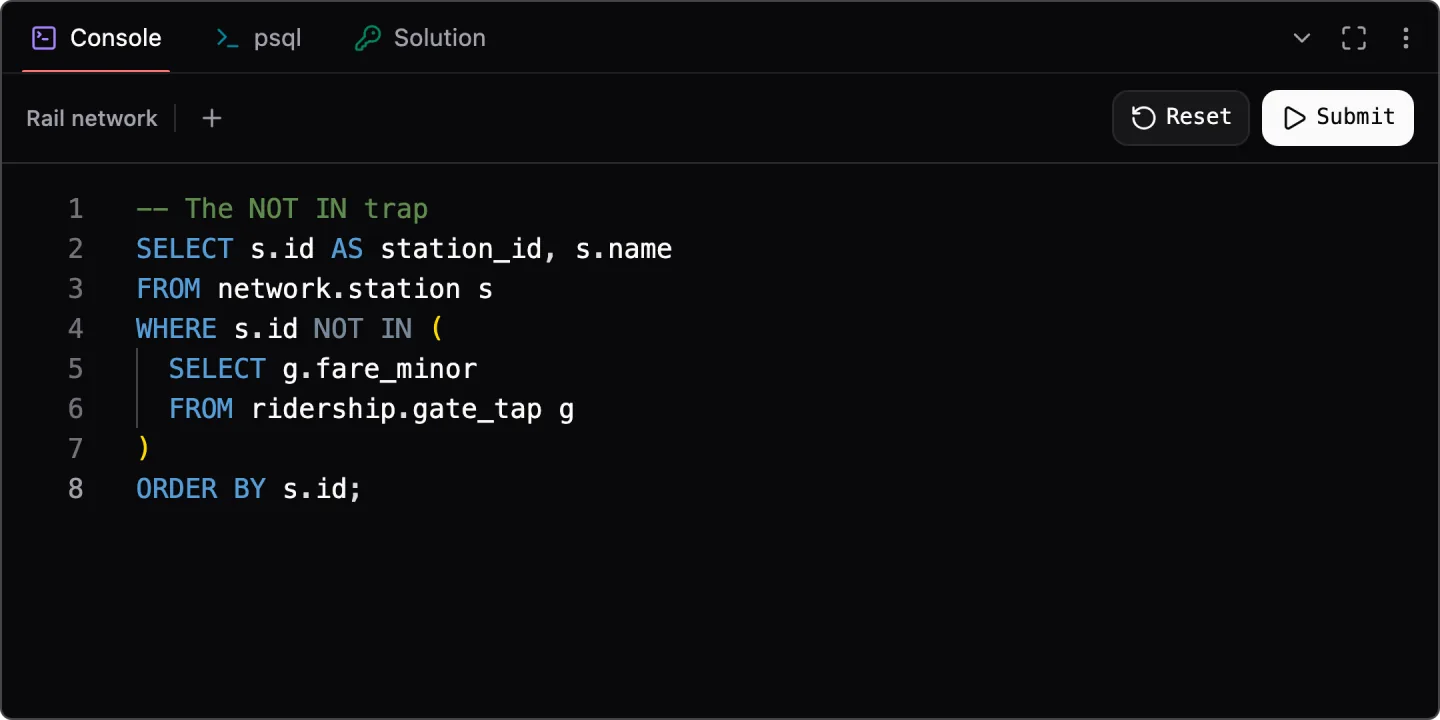
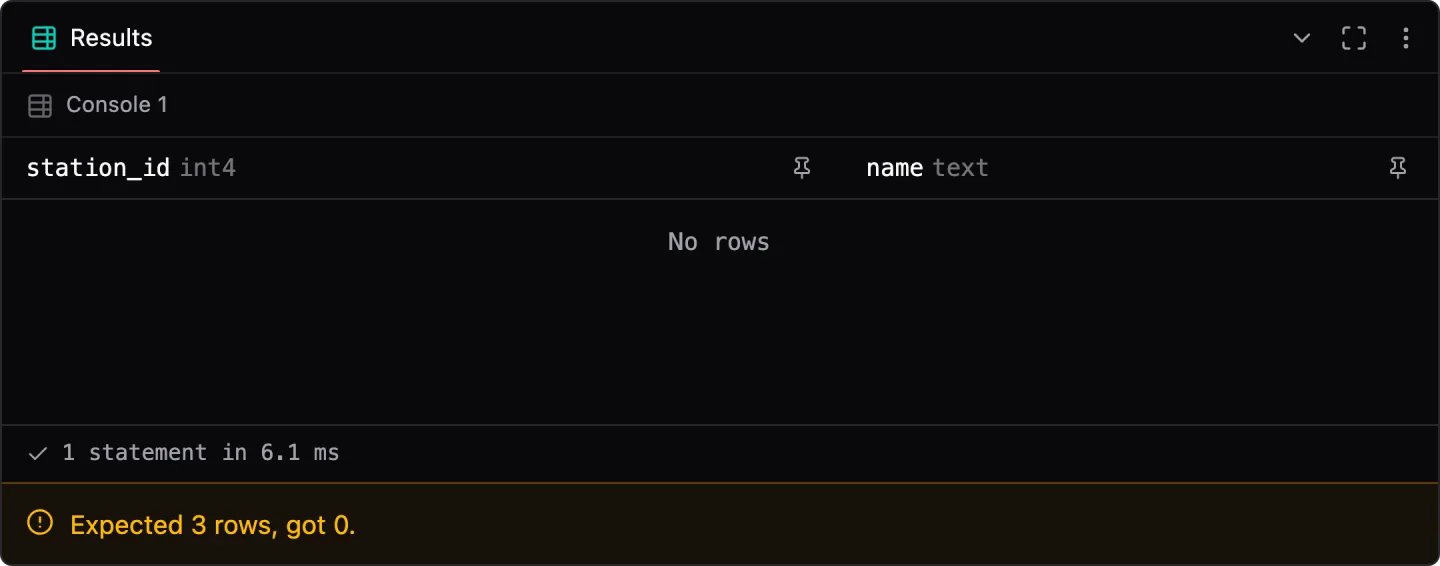
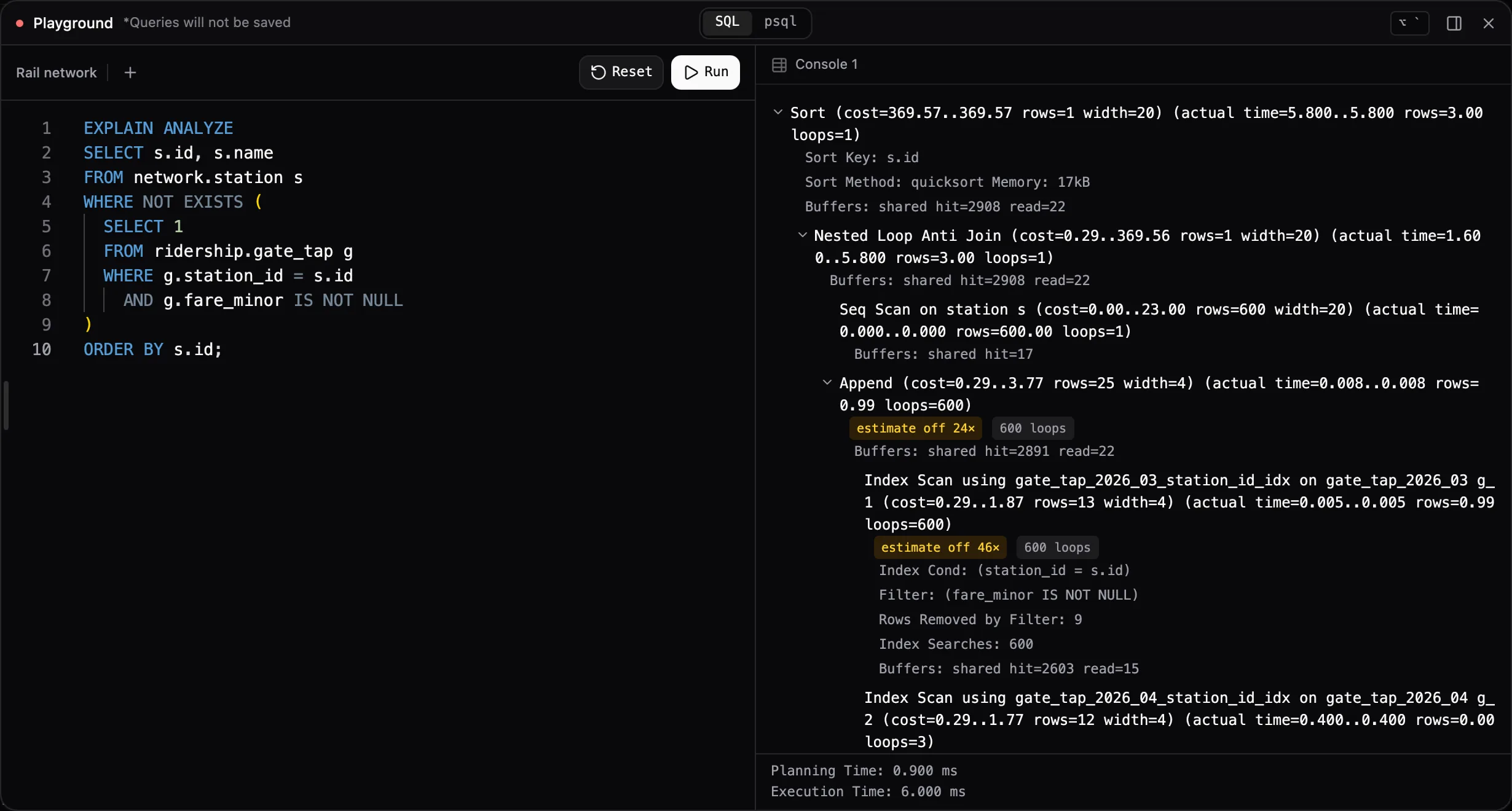
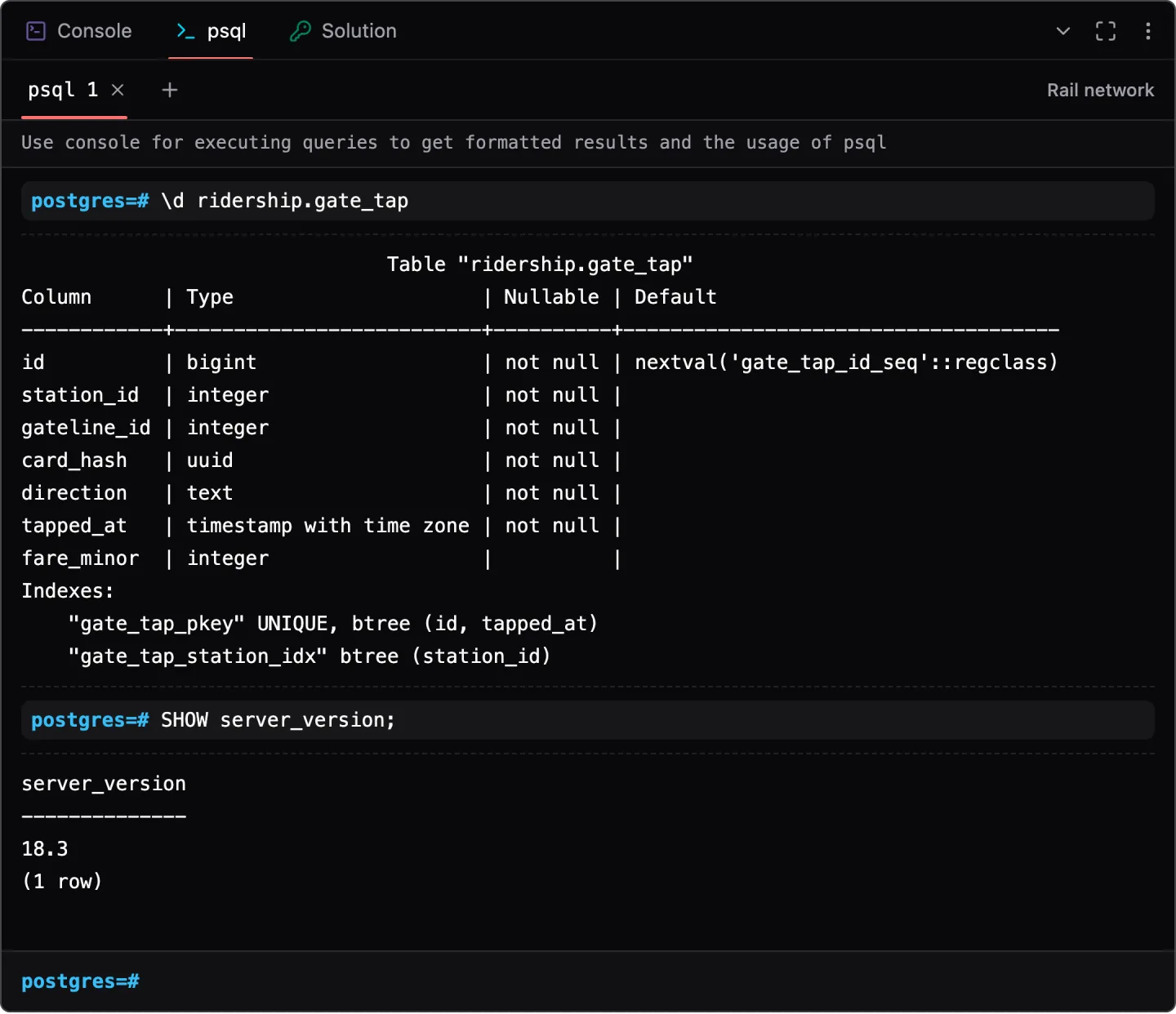
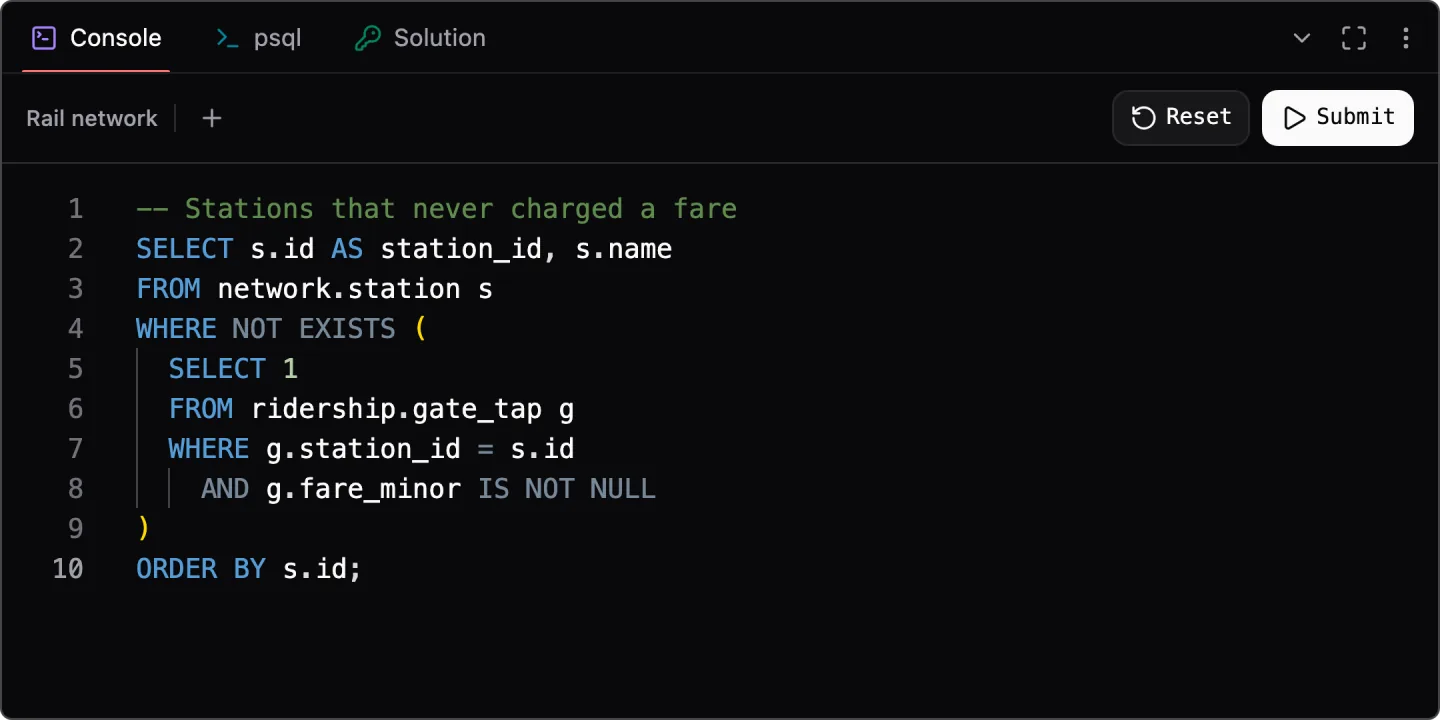
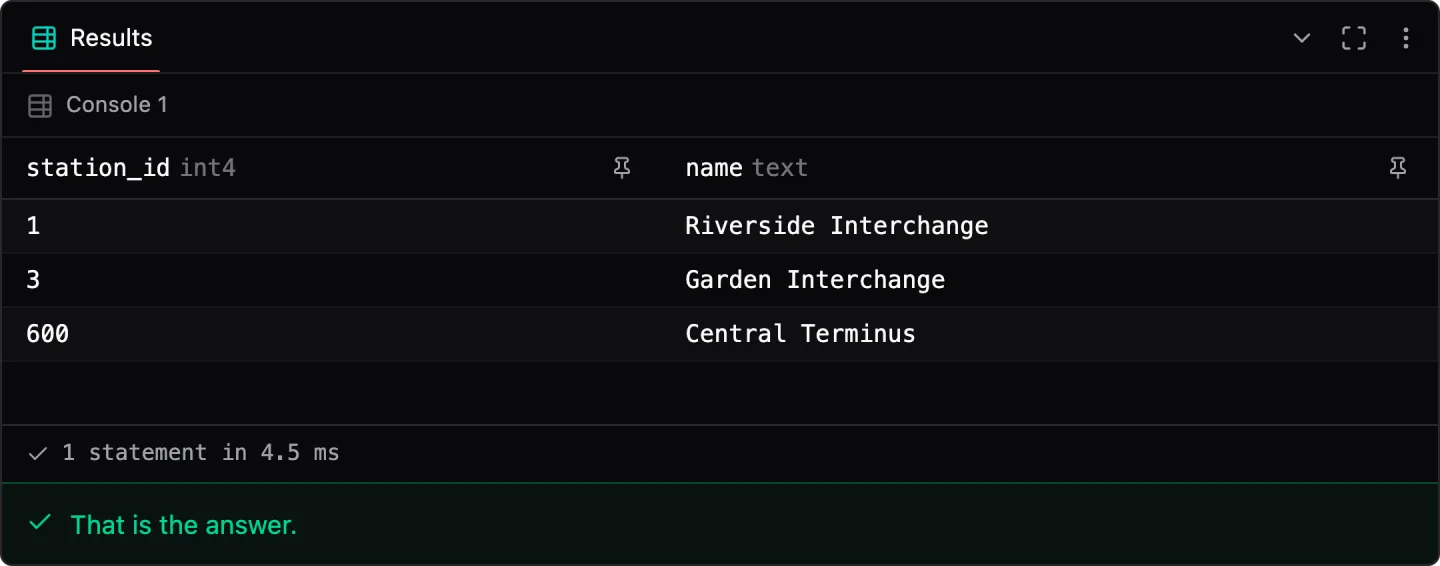
A real Postgres, live on the page and loaded with an urban rail network built to have something to find. Write the query, spring the NULL trap on purpose, then open EXPLAIN ANALYZE and watch the planner change its mind when you change one thing.
Write the query, fall into the NULL trap, read the plan, then open psql and check it yourself.
This is EXPLAIN ANALYZE output from the course: one query, run with the index switched off and then the way the planner wanted. Watch how many pages each one reads.
=> SET enable_indexscan = off; SET enable_bitmapscan = off;
   EXPLAIN ANALYZE SELECT count(*) FROM ridership.gate_tap WHERE station_id = 431;
Cost estimates trimmed. Every actual figure is as Postgres printed it.
gate_tap_2026_03153 pages
gate_tap_2026_04143 pages
With the index switched off, Postgres reads all 153 pages of the March 2026 partition to find 4 rows. The other 15,463 rows it read get thrown away.
Try it in the guideSystem design
Coming soonDrill down into system components and their interactions. Build decisions from storage, networking, consistency and failure modes, then explain how those decisions change as the system grows.
Drag the slider. Each step adds the piece the last setup can't handle, and the course has you say what that piece costs.
Traffic
1K users
Step 01 · 1K users
At this size the simple setup is the right one. Ship it and watch the graphs.
What it costs
If that one server goes down, the whole app goes with it.
The interviews this is aimed at
Most of these interviews come down to the same few rounds. Each course rehearses one of them.
Build it in your own AWS account, break it on purpose, then fix it.
Step through every problem as a simulation, then write the code.
Real Postgres in the page. Write the query, then read the plan.
Value additions
The rest is how quickly you can move from an explanation to a mental model you can use.
The usual way
Here
We learn best by seeing, and a simulation needs your attention where an hour of video lets it drift. The course is laid out as 98 patterns and 469 problems, each with its own step-through simulation. Solve a handful under each pattern and you stop meeting new problems cold: you know which pattern to reach for.
4,000+problems on LeetCode, met at random
98 patterns469 problems under them, each with its own step-through
Reviews
Worked through a lab or a problem? Tell the next learner what it was like, what clicked and what did not.
Pricing
Every current course, plus anything published while your membership is active.
All course content
₹1,500for 1 year
₹125 a month
All content, plus hands-on tools
₹2,500for 1 year
₹208 a month
Everything in Plus, and:
Data Structures & Algorithms
SQL Mastery with Postgres